If you want to run a MetaTrader bot from your phone, the phone should give you control, not carry the runtime. The part that needs 24/7 uptime is the hosted trading environment behind the bot.
Direct answer
Mobile MetaTrader EA hosting means you use your phone to monitor, approve, or intervene while the actual MT4 or MT5 runtime stays on a continuously connected terminal or virtual platform. If you want 24/7 bot execution, the hosted environment is the part that must stay online.
That distinction matters because many traders search for mobile MT4 EA hosting when what they really want is freedom from leaving a desktop running all day. The official MetaTrader hosting docs are useful here because they describe exactly why virtual hosting exists: uninterrupted connection, power continuity, and lower-latency placement closer to the broker.
Why mobile control still needs cloud runtime
A home desktop fails in ordinary ways: sleep mode, Wi-Fi drops, power interruptions, forced restarts, remote-access headaches, and the simple reality that most traders do not want a trading terminal to become household infrastructure.
- your phone solves access
- the hosted environment solves runtime
- your broker connection quality still matters for execution
This is the key architecture point. The mobile app is valuable because it gives you visibility and faster intervention. It does not change the fact that an Expert Advisor needs a trading environment that stays connected. The official MT4 and MT5 hosting pages are explicit about the 24/7 requirement for robots and signals, and they position virtual hosting as the practical answer when a home PC is not reliable or convenient.
If you are still sorting out the bigger category differences, the best companion explainer is What Is a MetaTrader API?. It helps separate terminal-side automation from broader application-layer workflows.
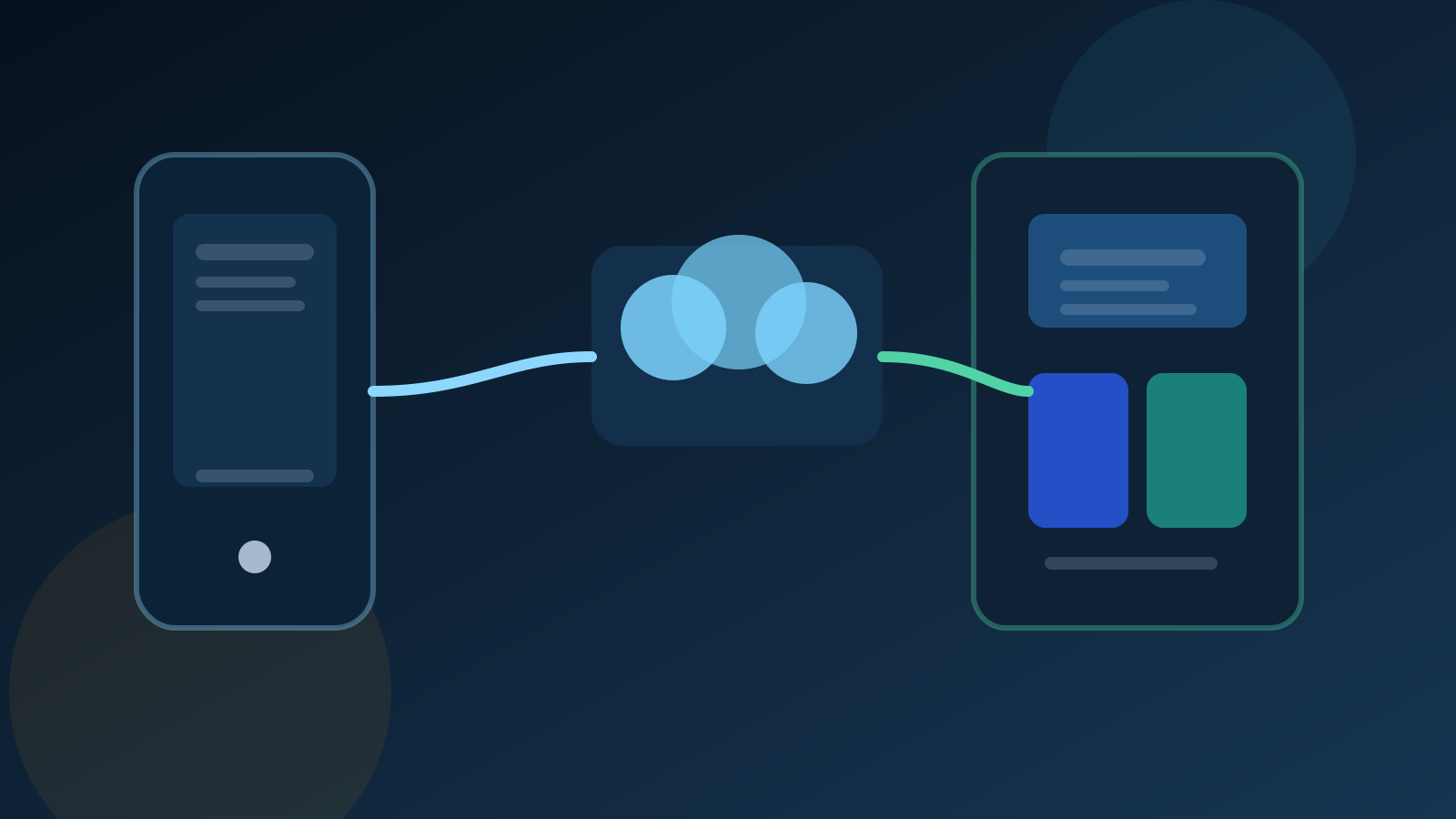
A phone is the control surface. The hosted terminal is the part that keeps the bot running when you are away from your desk.
What the official hosting model actually gives you
The official MetaTrader hosting help gives us a concrete, non-hyped framework for hosted EA operation.
The MT4 server-registration help says the virtual hosting wizard automatically selects the server closest to your broker and shows how ping improves compared with the local connection. The MT5 hosting help uses the same operational idea: a closer server and lower network delay give your orders a cleaner path to the broker than a random home setup usually does.
The MT5 virtual-platform help also shows that the hosted runtime is not a black box. In the VPS section you can inspect hosting data, synchronize migration immediately, request platform and Expert Advisor journals, review resource usage, and see environment state such as launched charts and Expert Advisors.
| Need | Docs-backed hosting behavior | Why it matters |
|---|---|---|
| 24/7 runtime | Virtual hosting is positioned for round-the-clock robot and signal operation | Removes dependence on a home PC staying awake and connected |
| Lower latency | Nearest-server selection and ping comparison are part of the registration flow | Improves broker-path quality for execution-sensitive strategies |
| Controlled migration | The local active environment is synchronized to the virtual platform | Lets traders move a prepared setup instead of rebuilding everything by hand |
| Operational visibility | VPS section exposes journal access, environment state, and resource graphs | Makes hosted bots easier to trust and troubleshoot |
| Phone-side control | Mobile settings include MetaQuotes ID, notifications, OTP, and screen lock | Keeps the trader in the loop without requiring a desk-bound terminal session |
That is also why hosted EA runtime and trader dashboards are related but not identical problems. If your goal is one always-on bot, the hosted terminal may be enough. If your goal is broader account operations, alerts, or multi-account visibility, you are moving toward the monitoring and control patterns discussed in copy trading dashboard architecture. And if you still need to prove that the strategy deserves hosted runtime at all, the guide on using a trading simulator to validate a MetaTrader strategy is the right step before deployment.
Migration checklist
The migration docs are where most of the genuinely useful operational detail lives. The article is only as good as the migration advice, because bad migration is what makes hosted setups feel unreliable.
1. Prepare the local terminal before you sync
The MT5 migration guide says to set up only the symbols that matter in Market Watch and only the charts you actually need. That is not cosmetic advice. It reduces unnecessary traffic and makes the hosted environment easier to reason about. Attach the indicators and Expert Advisors you really need, confirm the external parameters, and keep the layout intentional.
2. Choose the right migration mode
The official migration flow distinguishes between All, Experts, and Signal. That matters because traders often move more than they intended. If you only need Expert Advisors and indicators, use the mode that fits. If you need both programs and signal-copy settings, complete migration is the correct choice.
3. Handle the restrictions before they bite you
The migration features page is direct about several constraints:
- DLL calls are forbidden on the virtual platform
- scripts are not transferred during migration
- charts with non-standard timeframes and symbols are not transferred
- accounts with one-time-password authentication cannot be used on the hosted VPS
That is the sort of detail traders often discover too late. If your EA depends on DLL behavior or your workflow depends on scripts staying alive after sync, you need to redesign the setup before you depend on hosted runtime.
4. Do not forget WebRequest and service permissions
If your program uses HTTP calls, the MT5 migration guide says you need to allow the function and list the trusted URLs on the Expert Advisors tab before sync. This is one of the most common reasons a hosted strategy looks fine structurally but fails operationally after migration.
5. Understand local-versus-hosted trading behavior
The docs make an especially important point here: automated trading is always allowed in the virtual platform, and when Expert Advisors are transferred, auto trading is automatically disabled in the local platform to prevent the same account from trading through the same Expert Advisor in two places at once. Traders who do not understand this behavior often misread what the local terminal is doing after migration.
6. Review the journal after synchronization
The migration process writes to the platform log, and the hosted journal is there to be examined. That is not optional housekeeping. It is how you verify that the hosted environment is the environment you intended to launch.
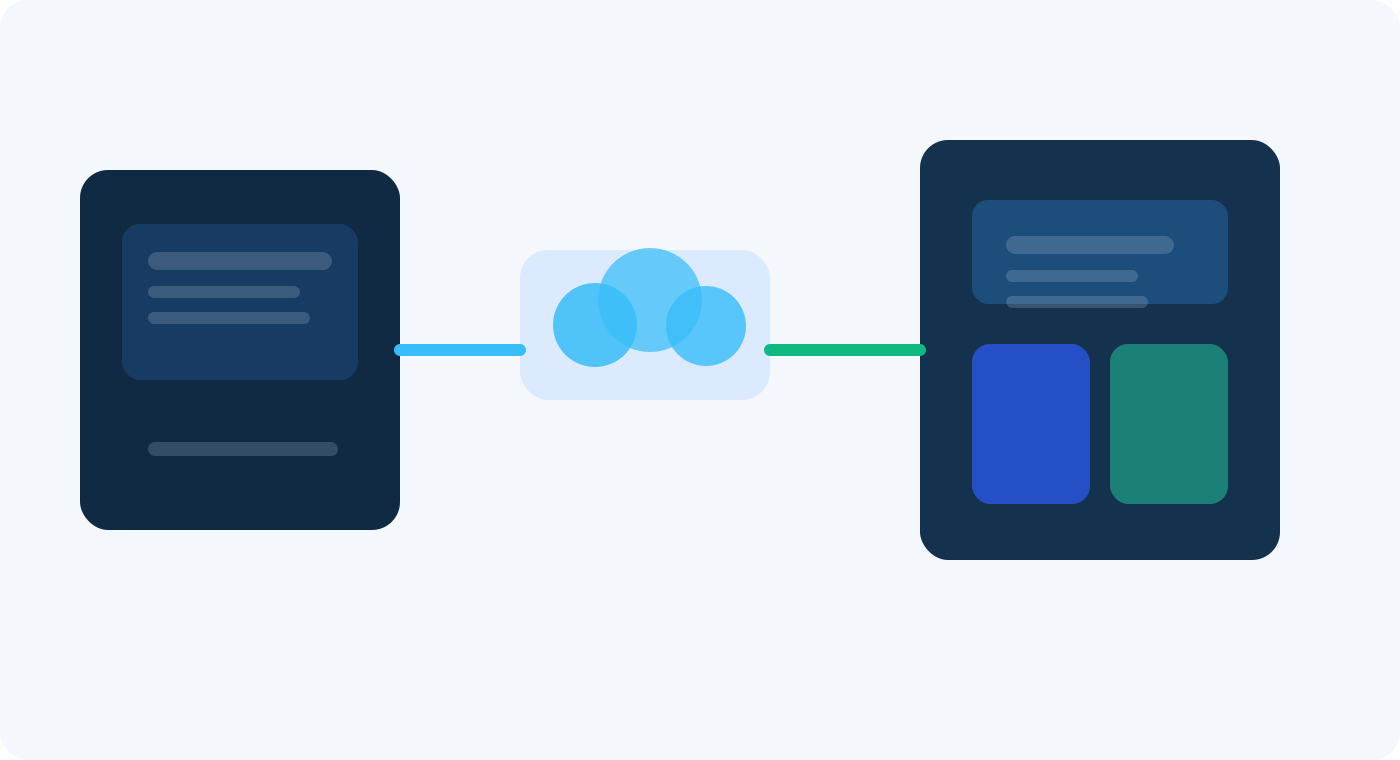
Migration is not just a button. It is the handoff between your prepared local setup and the hosted runtime that will execute the strategy.
How to monitor from your phone
The phone is valuable because it keeps you connected to the account when the runtime is somewhere else. The official Android settings help is useful here because it shows the control features traders actually get on mobile: MetaQuotes ID for notifications, push-notification settings, OTP, and screen lock using device credentials or biometrics.
That means a practical mobile workflow looks like this:
- host the EA runtime in the virtual platform or a cloud terminal environment
- use mobile notifications and account access for intervention, monitoring, and sanity checks
- use journals and environment state from the hosted platform when you need to diagnose behavior
If your needs are still simple, that is enough. But if you want more structured health checks or dashboard behavior, a service layer can complement the hosted terminal. The first-party docs document two useful pieces for that larger workflow: authentication modes on MetaTraderAPI.dev authentication and a documented CheckConnect connection workflow for account-state checks.
That does not replace hosted runtime. It complements it. The hosted platform keeps the EA running. The service layer gives you cleaner application-side visibility if you are building dashboards, trader rooms, or multi-account controls. That is the same architectural separation discussed in building a Forex SaaS with MetaTrader API.
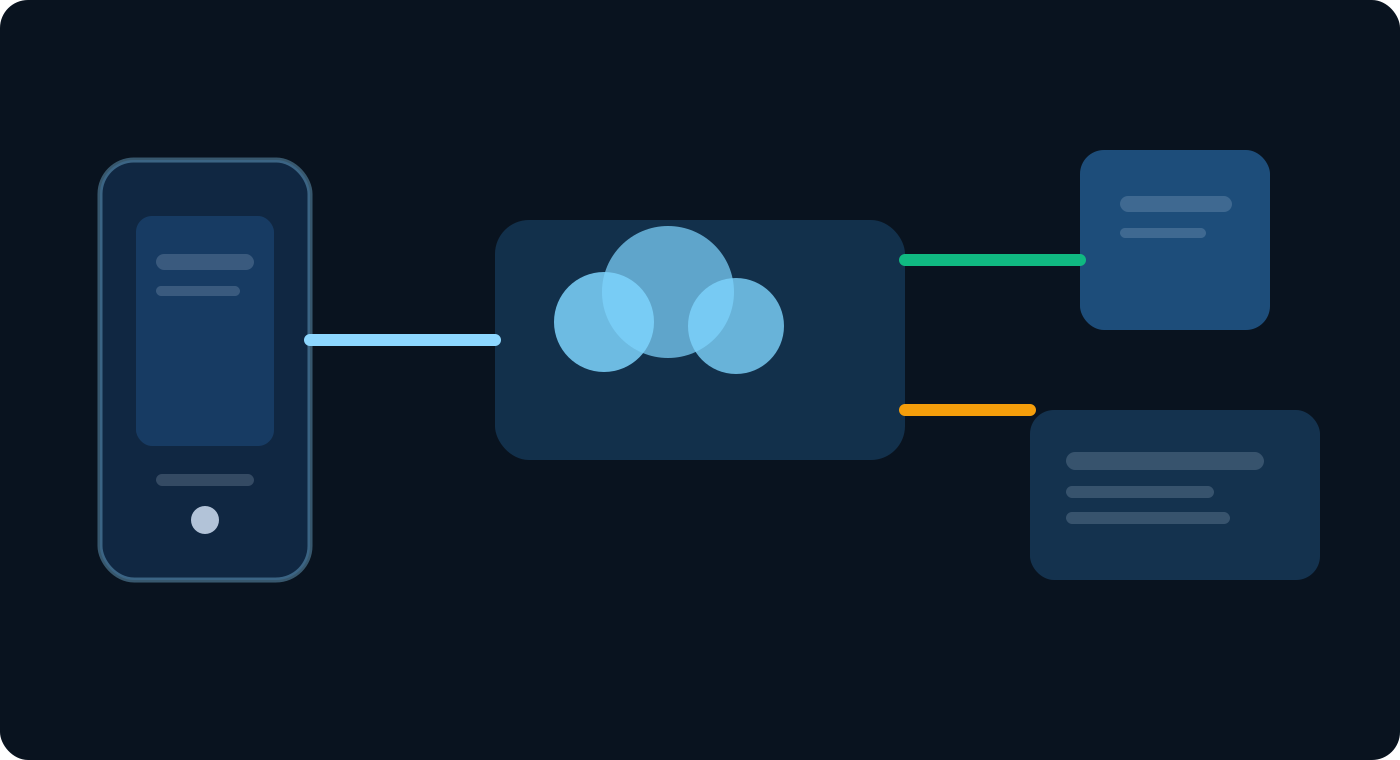
For trader operations, mobile access, hosted runtime, journal review, and app-side monitoring each solve a different part of the workflow.
Built-in VPS vs broader tooling
One mistake in this space is treating every hosted workflow as the same thing. It is more useful to separate them by scope.
| Scenario | Usually enough | Why |
|---|---|---|
| One trader, one account, one EA | Built-in virtual hosting | You mainly need 24/7 runtime, lower latency, and journal visibility |
| One trader, several execution-sensitive bots | Hosted runtime plus stricter journal and latency discipline | The runtime is still central, but operational mistakes get more expensive |
| Multi-account monitoring or copy workflows | Hosted runtime plus dashboard layer | Account-state visibility, permissions, and health alerts start to matter |
| Trader-facing app or shared operations tool | Application layer on top of account connectivity | The business problem becomes control, visibility, and workflow design, not only uptime |
If your strategy is latency-sensitive, the related operational guide on building a reliable scalping bot is useful because it extends the hosting conversation into execution discipline and failure handling. If your next question is product architecture, the comparison between terminal-connected Python and cloud API approaches helps clarify where a hosted terminal stops being enough for a broader product.
And if you are still deciding whether MT4 support, MT5 support, or both should shape your setup, the practical comparison on MT4 API vs MT5 API is the right next read.
Common mistakes
Thinking the phone is the runtime
This is the most common misunderstanding. Mobile access is useful, but 24/7 EA operation still depends on a continuously connected trading runtime.
Migrating a messy local setup
If the local terminal is cluttered with unnecessary charts, stray indicators, or unverified parameters, migration copies confusion into the hosted environment.
Ignoring the migration restrictions
DLL bans, script non-transfer, non-standard chart limits, and OTP account restrictions are not edge details. They directly decide whether the hosted setup can run the workflow you expect.
Skipping the journal review
Hosted runtime is not trustworthy just because the migration button finished. Trust comes from reading the journal, checking environment state, and confirming that the VPS is actually running the intended setup.
Using hosted runtime where a broader product is needed
A single hosted EA and a multi-account trader-ops product are not the same category. If the workflow needs dashboards, copy logic, account-health views, or permissions, the hosted terminal is only part of the answer.
Conclusion
Mobile MetaTrader EA hosting is best understood as a split architecture: the phone gives you access, notifications, and intervention, while the cloud-hosted platform keeps the Expert Advisor running when you are not at a desk.
The official hosting docs make the operational value clear: 24/7 runtime, lower-latency placement closer to the broker, migration controls, and journal visibility. The migration docs also make the constraints clear, which is exactly why traders should design the workflow honestly instead of treating hosted runtime like a magic black box.
If you keep the roles clean, mobile-first trading becomes much easier to trust. The phone handles awareness and control. The hosted environment handles execution. And when the workflow grows beyond one bot on one account, you can add dashboards and application-side monitoring without confusing them with the runtime itself.
References and Source Notes
- MetaTrader 4 Virtual Hosting - Official MT4 overview of 24/7 robot and signal operation
- MetaTrader 4 Registering Server - Official MT4 server-registration flow, nearest-server selection, and migration step
- MetaTrader 5 Virtual Hosting - Official MT5 overview of virtual hosting for 24/7 operation
- MetaTrader 5 Migration - Official migration rules, transfer types, restrictions, and sync behavior
- MetaTrader 5 Working with the Virtual Platform - Official virtual platform monitoring, journal, and resource-management help
- MetaTrader 5 Android Settings - Official mobile settings for MetaQuotes ID, OTP, and screen lock
- MetaTraderAPI.dev Authentication - First-party auth model for application-side monitoring or dashboard workflows
- MetaTraderAPI.dev MT4 Connection Docs - Documents CheckConnect for connection-state checks
- What Is a MetaTrader API? - Foundation article for category and architecture framing
- Build a Copy Trading Dashboard with MetaTrader API - Related trader-ops article for monitoring, permissions, and account-state controls
- Build a Reliable Forex/CFD Scalping Bot Using api2trade.com - Related low-latency deployment and execution article
- Build a Forex SaaS with MetaTrader API - Related application-layer guide for traders moving beyond a single hosted terminal
FAQs
- Can my phone run a MetaTrader EA by itself?
Not in the way traders usually mean. The mobile app gives you account access, trade controls, notifications, and visibility, but the continuous EA runtime still needs a local terminal or hosted virtual platform that stays connected.
- Is MetaTrader virtual hosting the same as any normal VPS?
Not exactly. Official MetaTrader virtual hosting is designed around the trading platform itself, including nearest-server selection, migration, and platform journals. A broader VPS or cloud setup may be better if you need extra apps, multi-account dashboards, or custom services around the terminal.
- What should I prepare before migrating an EA to hosted runtime?
Prepare the symbols in Market Watch, open only the charts you need, attach the required Expert Advisors and indicators, confirm the input parameters, list trusted URLs for WebRequest if your program needs them, and review the journal after synchronization.
- What breaks most often on hosted MetaTrader setups?
The most common problems come from bad preparation, not from the idea of hosting itself: wrong chart or symbol setup, forgotten EA inputs, ignored WebRequest permissions, expecting scripts to transfer, or forgetting that DLL calls are forbidden on the hosted platform.
- When do I need more than a hosted terminal?
If you manage multiple accounts, want a dashboard, need trader-facing alerts, or want cleaner account-health visibility across a wider workflow, you usually need an application layer in addition to the hosted terminal. That is where monitoring dashboards, connection checks, and multi-account tooling start to matter.